
How to automatically generate release notes
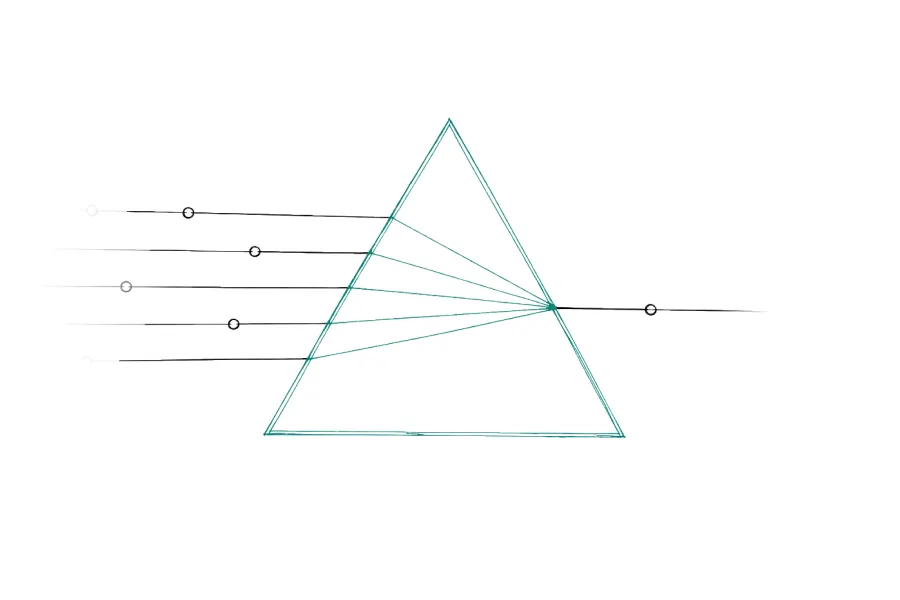
Three ways, in order of effort.
GitHub’s own generator produces a list of merged pull request titles for a tag. A conventional-commit tool like release-please sorts those into categories. A language model reads the pull requests and writes prose a customer can understand. The third is the only one that gets you something close to publishable, and it’s already sitting in your terminal.
So the useful question isn’t how to generate release notes. It’s what to do about everything generation leaves behind.
You can already do this in your terminal
Open the agent you use for everything else and ask it to read the merged pull requests since last Tuesday and write release notes. It will. The output will be decent.
Pretending otherwise would be silly, so start there. Generation is free now. What you get back is a block of text on your screen, produced by a prompt you have to remember to write every time.
Everything difficult about release notes survives that prompt intact.
What the terminal version does not know
Where the last one stopped. The unglamorous one, and probably the first to break. You ask for last week’s changes, and it gives you last week’s changes. But your previous update went out three weeks ago and only covered work merged up to that point. The fortnight in between is now unannounced, and nothing in the prompt knows that. Either you repeat yourself or quietly drop two weeks, and the only thing standing between you and both is a date you’re holding in your head.
Which changes count. It will happily write you a paragraph about a dependency bump if the pull request was verbose enough, and agent-written pull requests are always verbose enough.
Who is reading. Without that context, every draft is written for a generic software buyer, and every product’s update starts to sound the same.
Where it goes next. Text in a terminal isn’t an update. Somebody still has to put it on a page, in the product, and in front of people who aren’t looking for it.
The input stopped being the problem
All the advice from a few years ago said the same thing: write better pull request descriptions and the generated notes improve.
That advice is finished.
Agents write the descriptions now, and they write more than any human bothered to. What changed, what it touched, why, the edge cases, often a test plan. The raw material is richer than it has ever been.
What didn’t change is who it’s written for. All of that detail exists to help a reviewer approve a merge. None of it exists to help a customer decide whether they care.
A description can be thorough, accurate, four paragraphs long, and contain no sentence you could publish.
So the bottleneck moved. It used to be thin input. Now it’s volume. Forty well-documented pull requests are harder to sort than forty terse ones, because every one of them looks substantial.
Not every change is an update
Two filters, and most people only think about one.
The first is mechanical. Anything matching chore, ci, bump, deps, refactor, typo, wip, or merge is not an update. Deciding that takes no judgment. It’s a pattern list, so it should run before anything reads the changes properly, and it removes most of the pile on its own.
The second is editorial and can’t be patterned.
Would this change what a user does tomorrow?
If the answer is no, it stays in the repo. Leaving it there costs you nothing.
Six of forty going out is the system working. It isn’t a sign the week was thin.
The audience is the part everyone skips
A model that doesn’t know who your users are writes for a generic software buyer, which is nobody.
The same merged pull request isn’t the same update twice. A latency fix is real news for a developer tool and invisible to a scheduling app whose users never noticed the old latency. Write both the same way and one of them is wrong.
Your audience is already written down on your own homepage. Your positioning, who you say you sell to, the words you use for your own features. That context and your release notes are about the same product, but almost nobody connects them.
Generic output is the result, and it reads generic no matter how good the model is.
What still needs you
A generated draft is roughly eighty percent right. The remaining twenty percent is the expensive part: the thing you merged but are holding back for a launch, the security fix you don’t want described in public, the change to your own admin tooling that has no business in a customer update.
You also decide what leads.
The model can tell you the export pipeline changed. It can’t know that three of your largest accounts have been complaining about exports for a month, and that this is the entry that goes at the top.
Eighty percent is an enormous amount of work removed. It is not a hundred, and treating it as a hundred is how a product announces something that doesn’t exist.
A setup that works at one to five people
- Track where the last published update stopped, so the window picks up exactly there.
- Cut the internal changes by pattern before anything reads them properly.
- Generate a draft from what survives, with your audience as context.
- Read it. Reorder so the thing that matters most is first. Cut what shouldn’t be public.
- Publish to a page users can reach, then send it where your users already are.
Step 4 is the only one that needs you, and it is the only one that should.
The gap between ten minutes and an hour isn’t about efficiency. It decides whether this happens at all.
A ten-minute task survives a bad week, a launch, a sick day. An hour-long one gets pushed to Friday, then to next week. After a few rounds of that, you’re not postponing a task anymore. You’re avoiding a backlog.
That’s how the six-week silence starts. Not with a decision. Just an hour you never had.
ReleasesHQ does this end to end. It remembers where your last update stopped, strips the chore and refactor noise before anything reads the changes, and drafts the rest in plain language using your own site to work out who your users are and what they call things. You get the six that matter, not the forty, on your page and in your channels in one action. Review is on by default, and automatic publishing is a setting you turn on deliberately.